
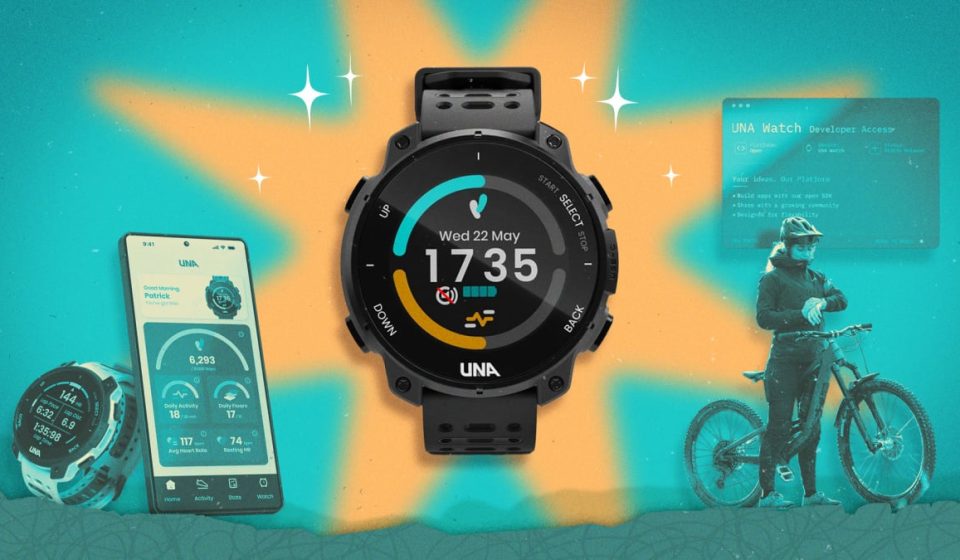

The topic Five Hacks Every Una Watch User Should Know is drawing steady attention: readers, analysts, and industry watchers are all tracking how the story may unfold in the days ahead.
This is taking place in a fast-moving context — product cycles, platform shifts, and competitive moves can reshape the outlook quickly, so the details below are worth a careful read.
What follows is a clear walkthrough of the main facts and angles you need to make sense of the news.
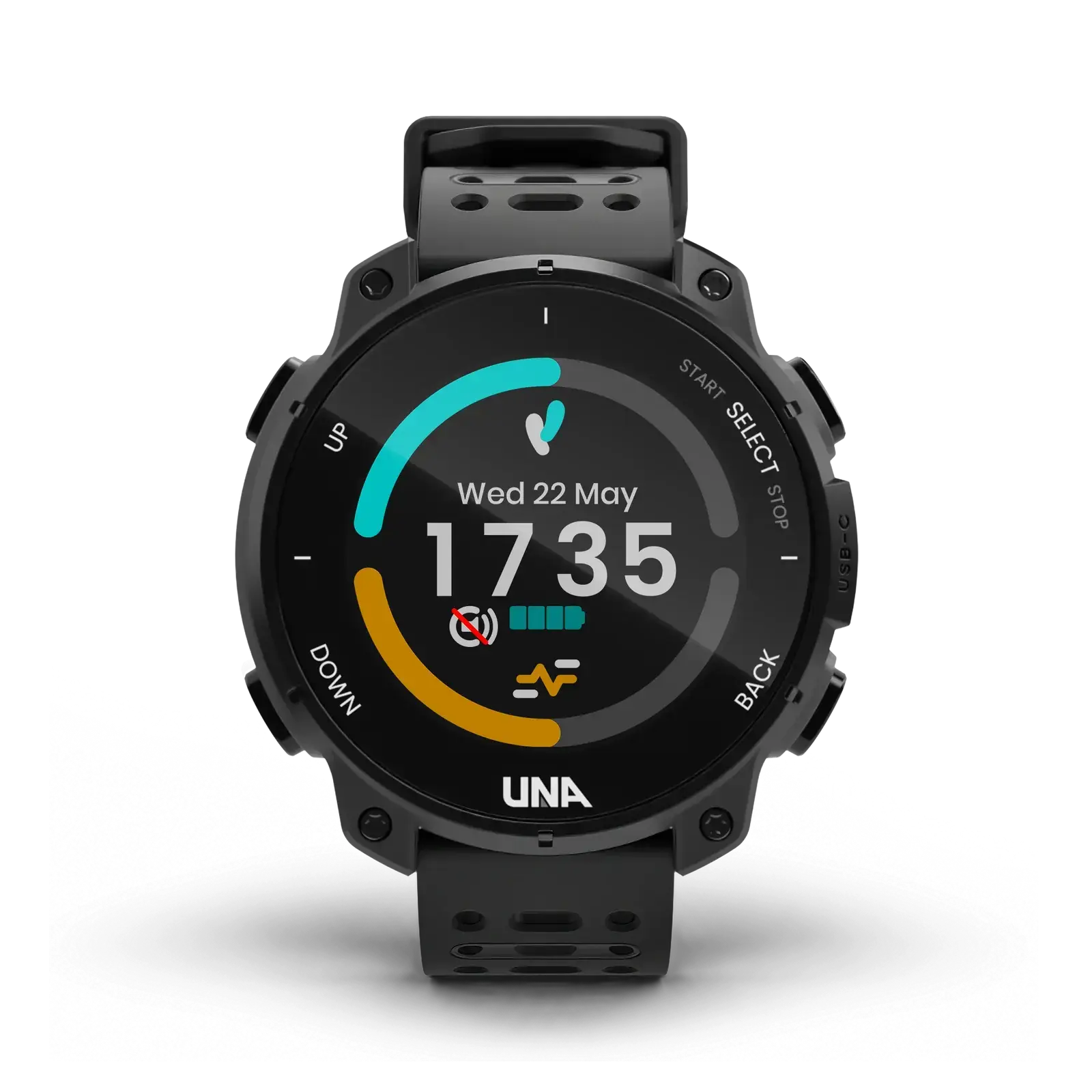
The Una watch is pretty much made to be hackable, with its interchangeable parts and open development environment. But it’s also pretty barebones at launch, without many features available yet. However, here are five things I’ve discovered I can do with it—and I hope to expand this list quite a bit as the device and its community mature.
Because the Una watch has a regular USB-C port, you don’t need to remember any specific cable, dongle, or adapter to charge it. I knew that, but it didn’t occur to me until recently that I didn’t need a computer or a wall outlet to plug into the other end. I was able to take a USB-C to USB-C cable—the same kind I might carry around to charge my phone—and plug one end into my watch and the other into my phone. It charged!

(You can also charge some other devices from a phone, including an Apple Watch, but you’d need to carry around that specific adapter, which is why nobody bothers.)
The Una watch doesn’t have any built-in sleep tracking, but a few community-built apps aim to provide it. The Slumber app, for example, will let you know how long you slept and compare your most recent bedtime with when you usually get to bed. There are no sleep stages (honestly: refreshing, since watches are rarely good at this anyway), and the analysis is done on the watch itself.
But if what you’re really hoping for is a recovery score or an overnight HRV reading, the HabitLab app combines that with habit tracking. Every evening, the watch will buzz and ask you to check off which habits or factors played into your day: Alcohol and late meals are among the options, and the watch will automatically detect morning or evening workouts to add them to the list. In the morning, the watch asks you how you slept, and then it gives you a score based on your resting heart rate, HRV, and your subjective rating.
The app is supposed to be able to put together trends and insights from this data, but I haven’t managed to get it to do this. Maybe it’s waiting for more data (I’ve been using it a little over a week), or maybe it’s just buggy.
By contrast, the barcode app worked even better than I expected it to. It’s meant for a parkrun barcode; each participant in the free weekly 5K has a number that you can use to check your results online. But it works just as well for other barcodes.
I installed the Barcode app and entered the number for my library card. Perhaps because of the watch’s MIP screen, I found this barcode scanned more reliably than any barcodes I’ve previously tried to use on a watch. The library scanner picked it up just fine on the first try, and a phone-based scanner also had no problem with it. You can store up to six barcodes, so I’ve also entered a few others, like my grocery discount card.
The app supports QR codes as well as regular barcodes, and to enter a QR code, you just type in a shortened URL. (It needs to be 22 characters or less.) This means that the Barcode app is also a QR code creator, a nifty feature indeed.
Seeing how soon the sun sets is a bit of a downer as we leave daylight saving time and get into the dark winter months, but it’s also helpful in planning. The Sun & Moon Face puts a graphic on your wrist that shows how far along the sun is in its trajectory across the sky for the day. When evening is approaching, you’ll see just how little time you have left.
The app grabs your GPS location once a day, which means that for the first few hours I wore it, the sunrise and sunset times were incorrectly listed as 6 a.m. and 6 p.m. But as long as you aren’t flying to a drastically new location every day, the app does the job just fine. As a bonus, it changes the color of the screen’s sky to show daylight, nighttime, or sunrise/sunset colors.
If you want to hack this hackable watch, you might as well take the plunge and try to build something yourself. Instructions are here to download the development tools for Windows, Mac, or Linux, and there are tutorials for different features you might want to use and implement. There are also about a dozen example apps you can build on, including activity trackers, watch faces, and glances. I’m not much of a coder myself, but this is the friendliest setup I’ve seen for someone to get into building their own apps for a watch.