

The topic How to tell if your phone supports eSIM is drawing steady attention: readers, analysts, and industry watchers are all tracking how the story may unfold in the days ahead.
This is taking place in a fast-moving context — product cycles, platform shifts, and competitive moves can reshape the outlook quickly, so the details below are worth a careful read.
What follows is a clear walkthrough of the main facts and angles you need to make sense of the news.
If you bought your phone in the past few years, it likely has eSIM support.
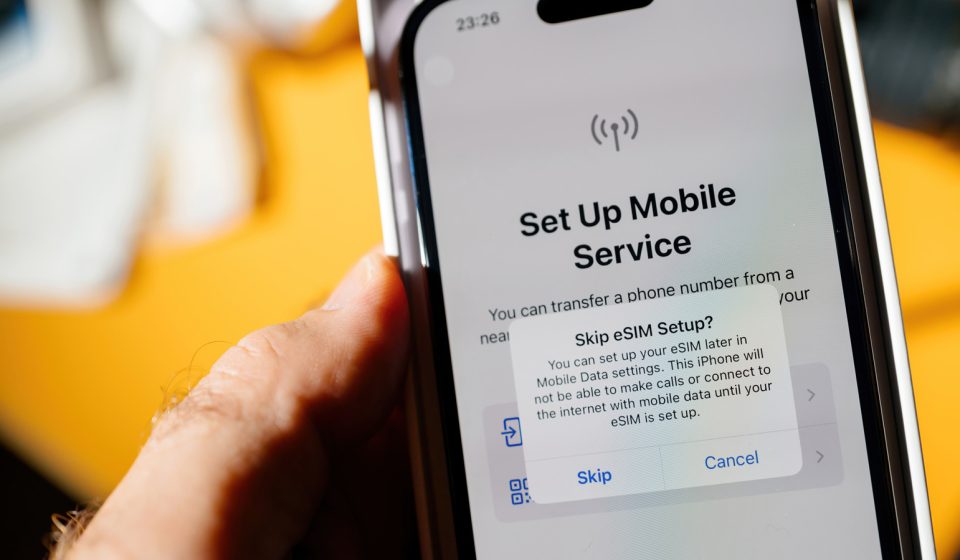
Planning an international trip sounds fun until you realize just how much your phone bill will be. For such situations, eSIMs make more sense than physical SIMs. An eSIM is a digital SIM built directly into your device, allowing you to activate a carrier plan without inserting an actual physical nano-SIM card. For most people, that will even mean the ability to run two lines on one phone, as well as a faster setup process overall.
How can you tell whether your phone supports eSIM? The quickest way to check varies by operating system, but regardless of whether you have an iPhone or an Android device, you’ll need to find something called EID. The presence of that code signals your phone supports eSIMs. On either platform, dialing *#06# from your phone app also pulls up the device information, including the EID.
Alternatively, if you’re on an iPhone, go to Settings > General > About and look for an EID, which is a 32-digit number tied to your eSIM chip. Apple says you’ll need to have an iPhone XS, XS Max, XR, or later to be able to add eSIMs. iPhone 13 and newer models can even run two eSIMs simultaneously.
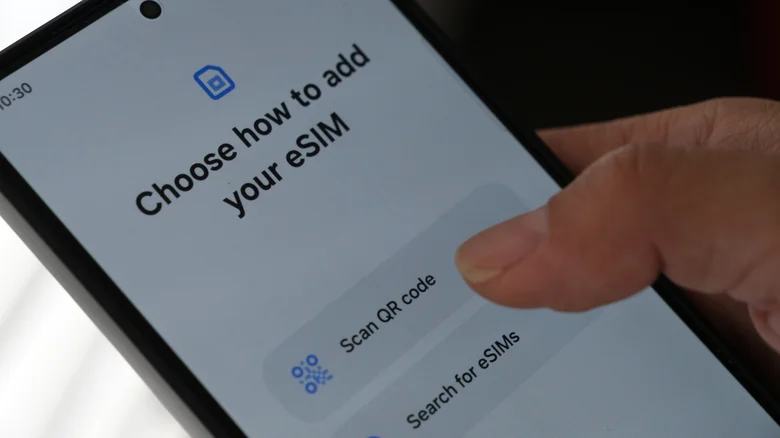
On an Android phone, go to Settings > About phone and look under the Device details or Status information for the EID. You could also go to Settings > Network & Internet (or Connections on Samsung phones) > SIM manager to see if you have a way to add an eSIM.
Sadly, not all phones support eSIM. Android got eSIM support in 2017 and iPhones got it a year later. While the math is fairly easy with iOS devices since they’re made by one company, things get a bit more complicated when it comes to Android manufacturers. For instance, the Google Pixel 2 and 2 XL got eSIM support in 2017, but Motorola only added support in 2019, and Samsung in 2020 with the Galaxy S20 series. Many budget or older Android models and some region-specific variants skip the embedded chip entirely, so the best course of action is to check if your phone has that EID code or not.
There’s also the fact that your phone needs to be unlocked for it to actually work when you’re on vacation. If your device is locked with your carrier, it may still show an EID code because you can technically get an eSIM from them, but it could refuse eSIM profiles from outside carriers, which will ruin your plans to use a random carrier for your trip abroad. To check this on an iPhone, go to Settings > General > About and look for “No SIM restrictions” next to Carrier Lock. Furthermore, you should confirm your carrier or service provider actually supports eSIM activation since not every provider has rolled out the feature, even if your phone has it.
If you’re still unsure, you should contact your mobile network provider to confirm compatibility for your exact device. And if your phone does support eSIM, dual SIM functionality means you can often run a traditional SIM alongside it, which is useful for keeping a personal and work number, or a home line and a travel plan, active on a single phone.