

The topic 10 Hidden Controls Every ‘GTA 6’ Player Should Know is drawing steady attention: readers, analysts, and industry watchers are all tracking how the story may unfold in the days ahead.
This is taking place in a fast-moving context — product cycles, platform shifts, and competitive moves can reshape the outlook quickly, so the details below are worth a careful read.
What follows is a clear walkthrough of the main facts and angles you need to make sense of the news.
You can have a ton of fun in GTA 6 even if you only follow the core gameplay loop of running around, stealing cars, and completing missions and side quests. However, if you take a minute to learn a few hidden controls, I think you’ll enjoy the game even more. These are fairly simple controls that let you hide from the cops, trash talk other drivers, or flip the bird when you’re feeling like annoying NPCs. These are 10 of the best hidden GTA 6 controls that’ll help you unlock an entirely new side of the game.
If you just want to sit back and relax as your character drives around Leonida in GTA 6, you should try the auto-drive mode. It’s a relaxing way to enjoy the streets without having to worry about following traffic rules. To enable it, you need to get in a vehicle and add a waypoint on the map. This serves as your character’s destination, so if you want a longer drive, be sure to drop the waypoint far, far away. Next, hold the down arrow on the D-Pad, and press the Option button. This enables cinematic mode. Then, hold the Circle button to enable auto-drive.
Your character is going to commit a lot of crimes in GTA 6. When this happens, you attract heat, and soon enough, cops will begin chasing you. Switching cars is a great way to reduce the amount of attention you get from law enforcement, but you can still be identified by your face or clothing. Until you can reach a safe spot to swap outfits, maintain a low profile by ducking while driving. Hold the Circle button while driving to duck.
EA’s Road Rash was among the first racing games I played as a child, and I remember how much fun it was to kick your rivals while speeding through the game’s various courses. You can have a taste of that in GTA 6 too. Press the Square button while you’re riding a bike, and your character will kick anyone who’s near you. If you do this in a car, it opens the door, and hits people around the car. To annoy other drivers, press R3, and your character will direct some trash talk towards NPCs.
Hold Circle to lean back against walls, or to sit on the beach. To rest on a ledge, you can hold L3. This lets you take a moment to soak in beautiful views in the game, or lounge around as you listen to NPC conversations. Paying attention to those conversations can lead to some fun side quests, and sometimes give you a tip or two for quick money or other rewards.
If you really want to rile people up in GTA 6, you can flip the bird. This works only when your character is unarmed. Hold L2, focus on a person, then press R1. Actions have consequences in GTA 6, so be prepared to fight NPCs when you do this.
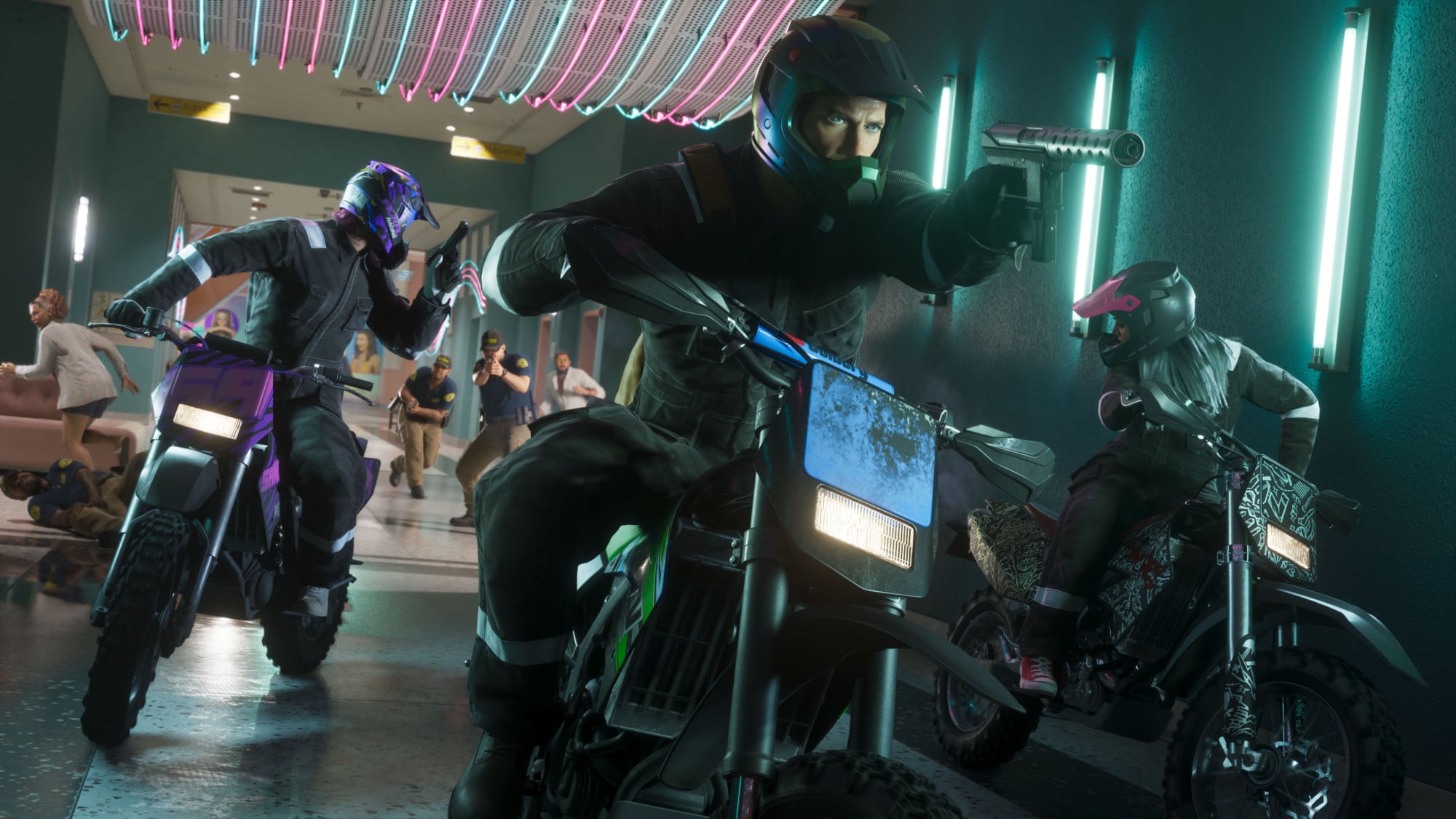
When you’re being chased by cops, enemies, or angry NPCs, you can use a quick shortcut to look back without turning the camera around. Just hold R3 to look behind you.
While driving, press Circle to toggle headlights (and switch to high beams). This is particularly useful when you’re offroading at night. You can also hold left arrow on the D-Pad, and move the right stick up to access other vehicle controls like hazard lights, opening or closing windows, etc., in case you want to add to the realism.
Stealing emergency vehicles in GTA 6 is risky, but the reward is totally worth it. Not only do you find stashes of weapons, gear, and money in some of these vehicles, but you also have access to sirens that help you clear traffic off your path. If you steal an ambulance or a cop car, hold L3, and move the left stick up to go through different siren tones. Press L3 and the left stick up to enable the siren.
GTA 6 is a third-person game, but it has a first-person mode that partially works. It is useful for looking at smaller objects around your character, such as posters, small signs, or to look for clues in and around a house. (Yes, I am talking about Mandy’s creepy house and bad vibes.) Hold L2 + hit R3 to switch to first-person mode. Sadly, you can’t move when you do this, but you can look around. Try it in Mandy’s property to observe a few nasty surprises.
When you sprint towards a car, press the X button to slide across the hood. This is much faster and smoother than running around parked cars or jumping over them. It also looks cool, which is reason enough to try this feature.