

The topic 10 Hacks Every Reddit User Should Know is drawing steady attention: readers, analysts, and industry watchers are all tracking how the story may unfold in the days ahead.
This is taking place in a fast-moving context — product cycles, platform shifts, and competitive moves can reshape the outlook quickly, so the details below are worth a careful read.
What follows is a clear walkthrough of the main facts and angles you need to make sense of the news.
If you’re looking for discussions, recommendations, or advice online, it’s hard to avoid Reddit. From mainstream sports to niche crafts, it does seem that there’s some kind of Reddit community for everyone. (And if there’s not one, you can make one yourself.) If you’re using Reddit, here are 10 hacks you should know about to improve your experience on the site.
Reddit used to let everyone view your post and comment history, but in recent years, you can make your profile private. You can hide your posts, comments, and the subreddits you’re a part of. If you want to do this, click your profile icon once you’ve logged in to Reddit, and go to Settings > Profile. Alternatively, you can follow the direct link to Reddit’s profile settings page. Click the drop-down menu next to Content & Activity, and select Hide all. You should also turn off Online Status on the same page to stop people from seeing when you’re using Reddit.
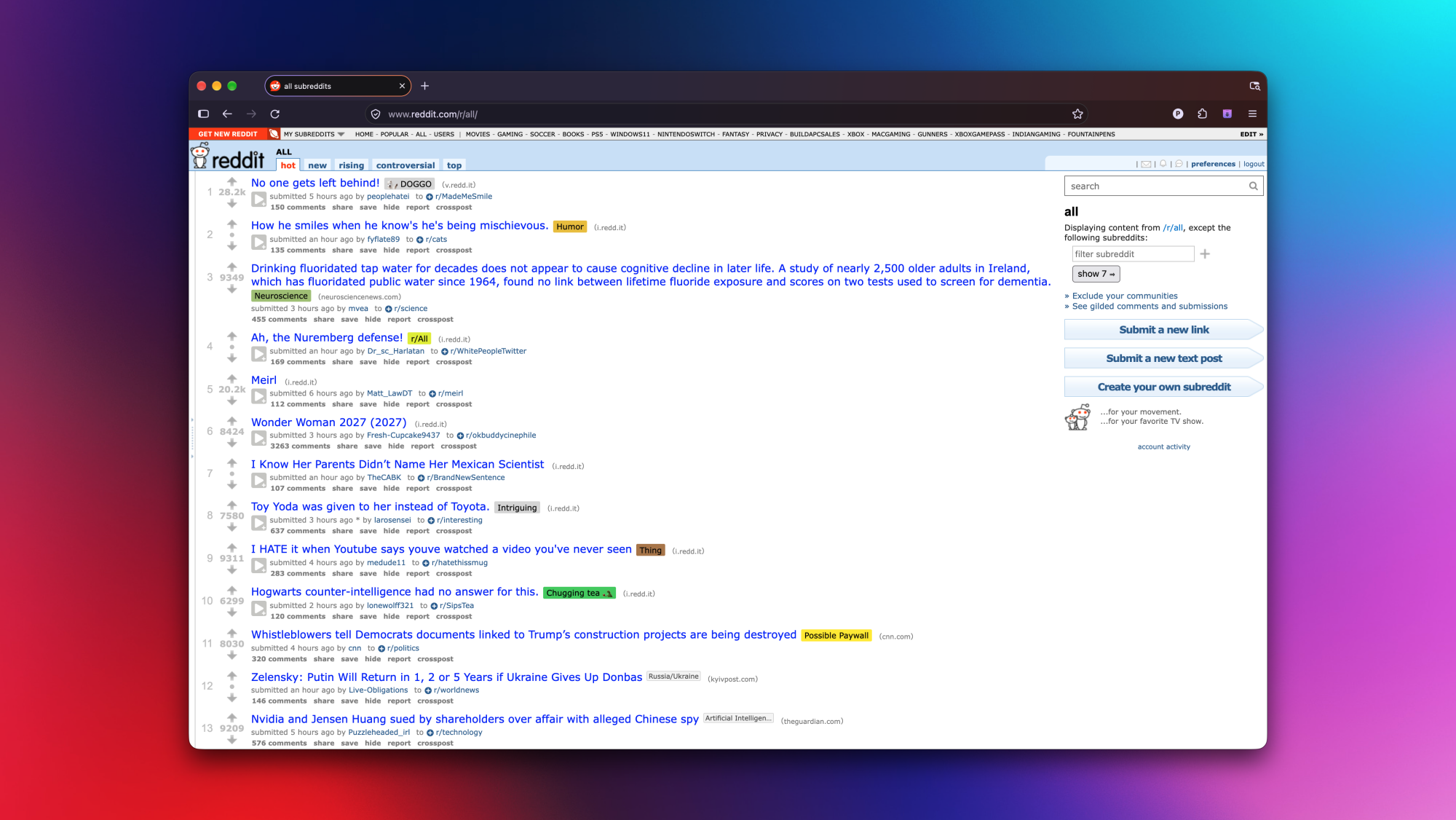
Old Reddit lets you use the site’s classic design, and I prefer it to the more modern UI. Old Reddit looks dated, but it doesn’t have infinite scrolling, distracting animations, and a bunch of features designed to increase the time you spend on the platform. It’s no wonder that Reddit is making it harder to access this version of the site. As long as it’s around, you should switch to Old Reddit for a cleaner reading experience. You can do that by going to Reddit Settings > Preferences and enabling Default to Old Reddit. You can also visit old.reddit.com, though you’ll need to sign in for access
Many subreddits use custom themes that range from beautiful to borderline unusable. If you want a more consistent UI across the site, you should disable these custom subreddit styles. Go to Reddit Settings > Preferences and turn off Use community themes. If you’re using Old Reddit, click the preferences button in the top-right corner, and under “display options,” disable allow subreddits to show me custom themes.
Reddit’s social features are useful if you have friends on the site, but in most cases, those features are annoying at best. If your post or comment goes viral, be prepared to deal with waves of weirdos who find it entertaining to send unsolicited advice or opinions. To keep all of this at bay, you should disable the site’s social features. Go to Reddit Settings > Privacy, and turn off Allow people to follow you. On the same page, click Who can send you chat requests, and pick Nobody. You can also turn off Show up in search results to remove your profile from Google searches.
A multireddit is a feed that shows posts from a customized group of subreddits. You can think of it as a way to break out of Reddit’s algorithms, and create your own Reddit feed. I use multireddits to follow all sports-related subs I’m interested in. I even have one for gaming, and one for fountain pens. It’s a great way to create interest-specific feeds, and if you make them private, no one else can see them. To create one, click the Create custom feed button in the left pane in new Reddit. In the Old Reddit design, click the Create button in the left pane. Be sure to select the Private button to keep it from showing up for others. You can add as many subreddits as you like to the list, and bookmark the feed to access it whenever you wish to.
If you want to reduce Reddit’s tracking, you should turn off ad personalization. Go to Reddit Settings > Privacy, and turn off Personalize ads. To block Reddit’s ads altogether, you can use any ad blocker you like. I recommend uBlock Origin, which is one of the best ad blockers you can install, though most can hide Reddit’s ads on desktop. On mobile, you can try using AdGuard or Wipr to hide in-app ads in Reddit.
Reddit has recently adopted an Instagram-like experience for its feeds. It removed the ability to sort posts by new, controversial, best, etc., and instead offers “For You” and “Following.” If you dislike this change, you can bypass it. I use Reddit on mobile Safari, and I recommend an extension called Sink It for Reddit. It can automatically redirect you to Old Reddit, and there’s a feature that optimizes it for mobile, which brings back the old sorting options. You can also use third-party apps such as RedReader for Android, or RDX for Reddit on an iPhone or iPad to restore the old sorting options for Reddit posts.
Reddit doesn’t let you sign up without an email address or phone number anymore. This makes it a little annoying to create burner accounts, but it’s not impossible. In fact, you can create multiple Reddit accounts with the same email address, as long as you use aliases on Gmail or any other email service of your choice. For more privacy, you can use services that provide disposable email addresses, such as Yopmail.
After all these years, Reddit’s built-in search still leaves something to be desired—at least, on the surface. To find posts on Reddit faster, use search filters on the site. For instance, adding “title:” to your search will limit the results to post titles, and boolean operators such as AND, OR, and NOT also work for advanced searches on the site.