
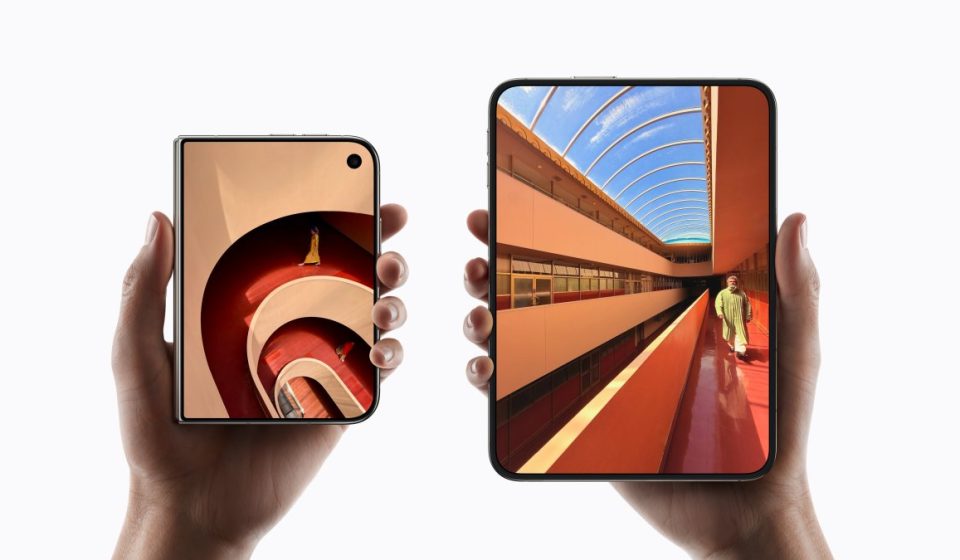

The topic Got an iPhone Duo? These 9 settings make it easier to use is drawing steady attention: readers, analysts, and industry watchers are all tracking how the story may unfold in the days ahead.
This is taking place in a fast-moving context — product cycles, platform shifts, and competitive moves can reshape the outlook quickly, so the details below are worth a careful read.
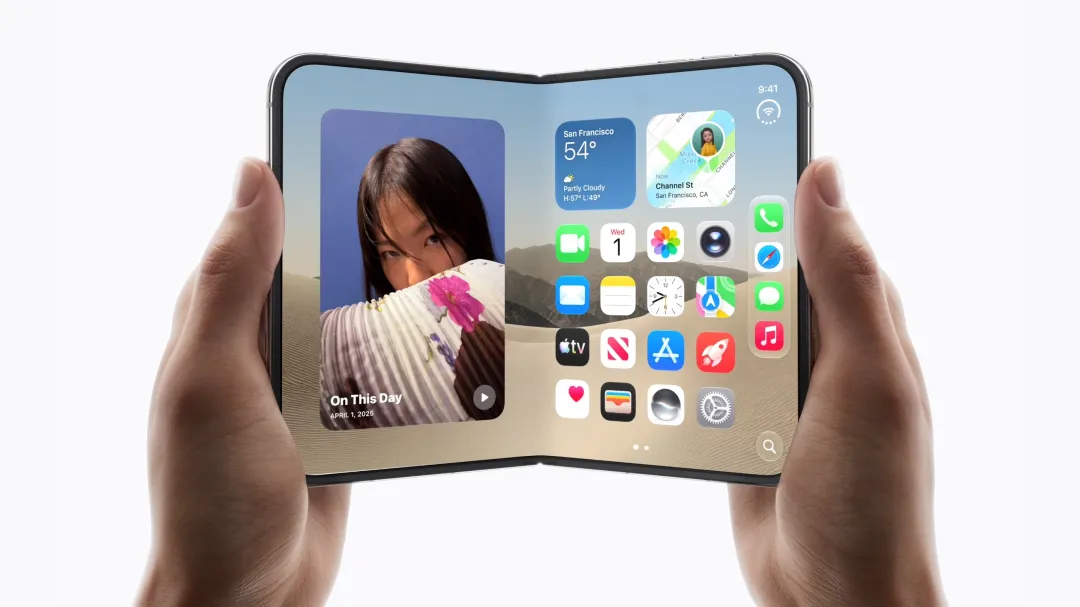
What follows is a clear walkthrough of the main facts and angles you need to make sense of the news.
Apple’s new foldable, the iPhone Duo, has proven popular enough that the company can’t keep the device in stock. While the Duo introduces a new way to use an iPhone, getting the most out of this initial version may require adjusting a few settings to make it work better when it comes to everyday tasks, like unlocking the device with Touch ID, navigating the interface, and taking photos.
After spending some time with the Duo, we’d recommend making the following adjustments to make the new iPhone a bit easier to use, most notably when it comes to the use of Touch ID.
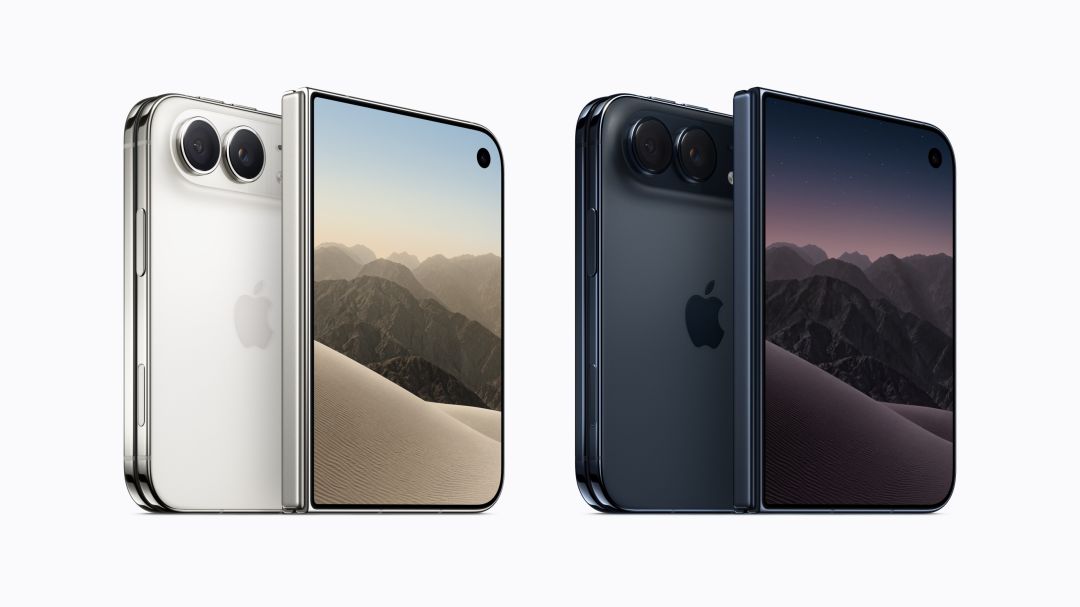
Unlike modern iPhones, the Duo doesn’t support Face ID. That means you have to adjust to pressing a finger on the side of the device once again to authenticate with apps, unlock the device, and use Apple Pay. But there are a few things you can do to make the switch back to the older technologies a bit less painful.
There are a few settings that could also improve your experience with the iPhone Duo, as they may make it easier to perform certain everyday tasks, like taking screenshots or reaching different parts of the screen, among other things.
The camera tricks are a little more niche, but some Duo owners have found the following to be helpful.